How to Create and Share a QR Code for a Short Link
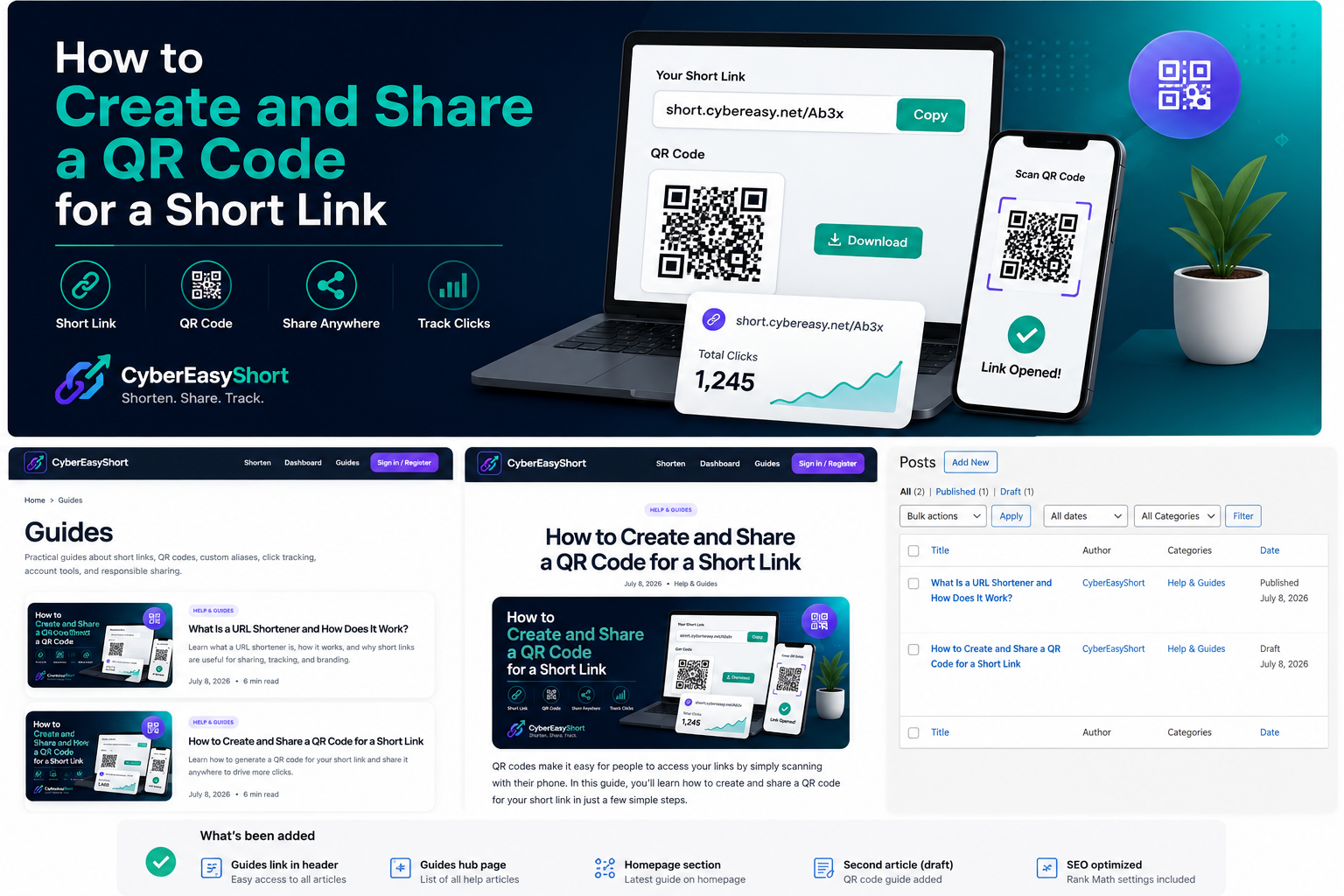
A QR code gives people a quick way to open a web link with a phone camera. When the QR code contains a short link, the design is easier to scan and the destination can also be shared as a compact address.
What Is a QR Code for a Short Link?
A QR code is a square barcode that can store information such as a website address. A short-link QR code stores a compact URL, for example short.cybereasy.net/Ab3x. When someone scans it, the browser opens the short link and redirects to the original destination.
Why Use a Short Link Inside a QR Code?
- The QR pattern is usually less complex and easier to scan.
- The same compact address can be shared online and in print.
- Signed-in users can review basic click activity for saved links.
- A branded short domain can look cleaner on posters, menus, cards, and packaging.
- The short link is easier to type manually if scanning is unavailable.
How to Create a Short Link
Open the CyberEasyShort homepage and paste the full destination URL into the long-URL field. You may enter a custom alias or leave that field empty to receive an automatic short code. Select Shorten URL to create the compact link.
How to Open and Share the QR Code
After the short link is created, use its QR option to open the QR-code panel. Depending on the available controls, you can display, download, copy, or share the QR code. Account holders can also open the My Links dashboard and select the QR action beside a saved link.
Test the QR Code Before Sharing It
- Scan it with at least one Android or iPhone camera.
- Confirm that the intended destination opens correctly.
- Test the code at the same approximate printed size you plan to use.
- Check it under normal lighting and from a reasonable distance.
- Make sure no text, logo, crop, or design element covers the QR pattern.
Recommended QR Code Size and Placement
Keep enough empty space around the QR code so a phone can identify its edges. Avoid placing it too close to folds, glossy reflections, busy backgrounds, or the edge of a printed design. A larger code is generally better when people will scan it from farther away.
Where Can You Use Short-Link QR Codes?
- Business cards and brochures
- Event posters and registration desks
- Restaurant menus and product packaging
- Presentation slides and classroom materials
- Customer-support instructions
- Social-media graphics
- Surveys, feedback forms, and appointment pages
QR Code Safety Tips
Only create QR codes for destinations you are authorized to share. Do not use them to hide phishing pages, malware, deceptive login forms, unauthorized downloads, or harmful content. People scanning an unfamiliar code should check the destination before entering passwords, payment details, or personal information.
Suspicious CyberEasyShort links can be submitted through the Report Abuse page for review.
Do QR Code Scans Count as Link Clicks?
Yes. A QR-code scan opens the same short URL, so it can increase the short link’s click total. Clicks are not necessarily unique visitors because repeated scans, previews, automated security checks, or bots may also be counted.
Create and Share Your QR Code
Create a short link, open its QR option, test the code, and then place it where people can scan it easily. For a broader explanation of redirects and click tracking, read What Is a URL Shortener and How Does It Work?