What Is a URL Shortener and How Does It Work?
What Is a URL Shortener?
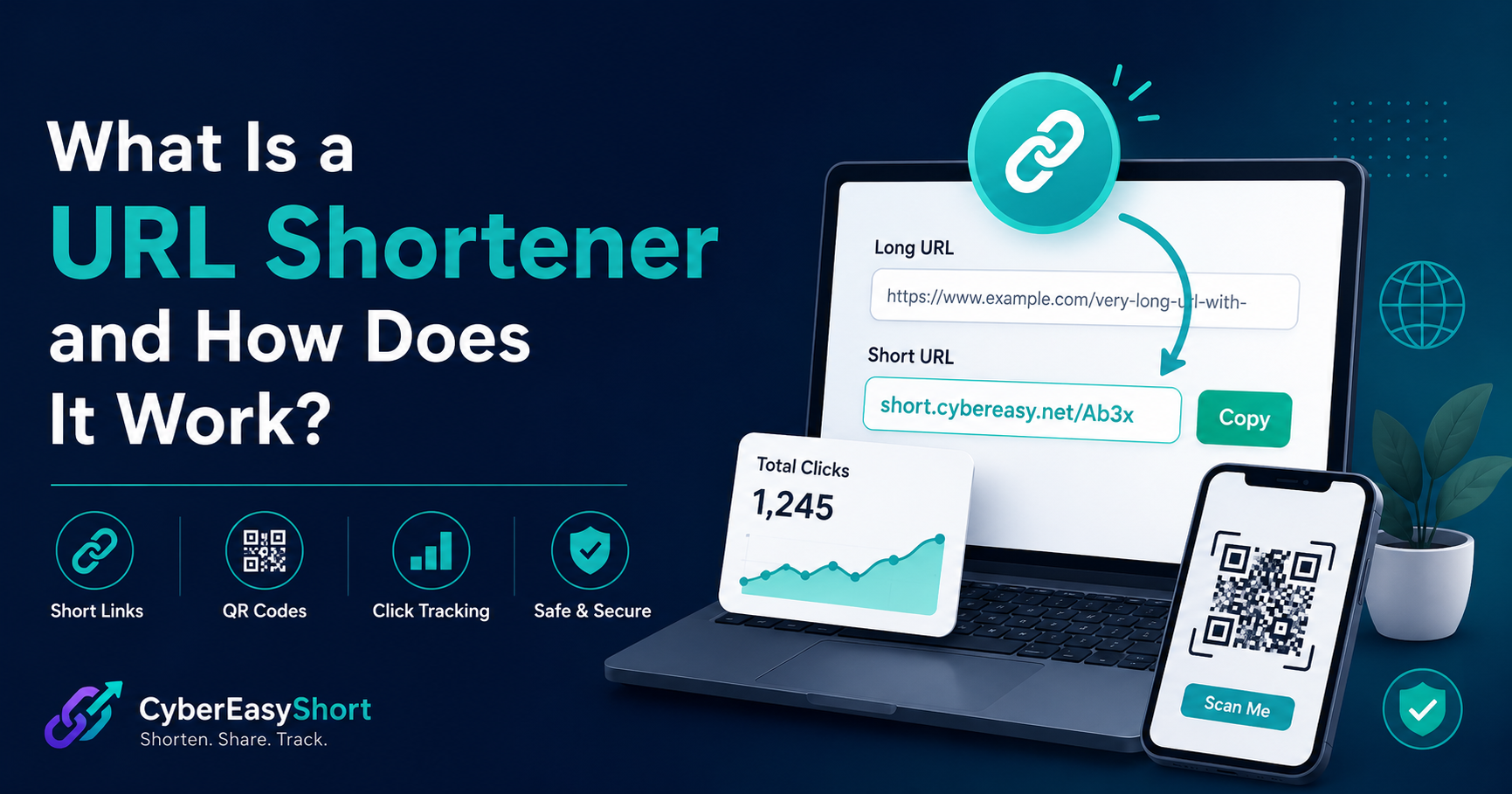
A URL shortener is an online tool that converts a long web address into a shorter and easier-to-share link. The short link redirects visitors to the original destination when they open it.
For example, a long address containing folders, tracking information, and other parameters can be replaced with a compact link such as:
short.cybereasy.net/Ab3x
The short link does not replace or modify the original webpage. It simply provides a cleaner route to that destination.
How Does a URL Shortener Work?
A URL shortener works through a redirect system.
When you submit a long URL, the shortening service creates a unique short code and saves it together with the original destination. When someone opens the short link, the service finds the saved destination and redirects the visitor to it.
The basic process is:
- You paste a long URL into the shortener.
- The service creates a short code.
- The original URL and short code are stored securely.
- Someone opens the short link.
- The visitor is redirected to the original webpage.
The redirect normally happens immediately, so the visitor may not notice the technical process behind it.
Why Are Short Links Useful?
Short links are easier to read, copy, remember, and share. They are especially useful when the original URL is long or contains tracking parameters.
Common uses include:
- Social-media posts
- Email campaigns
- Printed flyers and business cards
- Product promotions
- Event registration
- Online forms
- Educational resources
- QR codes
- Messaging applications
A compact link also makes promotional material look cleaner and more professional.
What Is a Custom Alias?
A custom alias lets you choose a memorable word instead of receiving a randomly generated short code.
For example:
short.cybereasy.net/summer-sale
This is easier to recognize than a random code. Custom aliases are useful for campaigns, events, products, departments, and frequently shared resources.
A custom alias must be unique. If another user has already selected it, you will need to choose a different one.
How Do QR Codes Work With Short Links?
A QR code can store a short link. When someone scans the code using a phone camera, the browser opens the short URL and redirects the visitor to the saved destination.
Using a short link inside a QR code offers several benefits:
- The QR pattern is often simpler.
- The destination is easier to manage.
- Printed material looks more professional.
- Link visits can be counted.
- The same short address can be shared online and offline.
QR codes are useful for posters, packaging, menus, business cards, presentations, event materials, and product information.
What Is Click Tracking?
Click tracking records how many times a short link has been opened. A link-management dashboard may also show the latest activity and average clicks across saved links.
Click data can help you understand whether people are engaging with a campaign or shared resource.
A click count is not always the same as the number of unique visitors. The same person may open a link several times. Messaging previews, automated security scanners, and bots may also generate visits in some situations.
CyberEasyShort provides basic click information for saved links created while the user is signed in.
Are Short Links Safe?
A short link hides the full destination from immediate view, so users should be careful when opening links from unknown sources.
Follow these safety practices:
- Open links only from people or organizations you trust.
- Be careful with unexpected login, payment, or account-verification requests.
- Check the destination before entering personal information.
- Keep your browser and security software updated.
- Report links connected to phishing, malware, spam, or impersonation.
CyberEasyShort restricts certain unsafe destinations and provides a dedicated abuse-reporting page. However, users should still review destinations carefully before sharing or opening them.
Do Short Links Expire?
CyberEasyShort links are designed to remain active unless they are deleted, blocked for abuse, or removed for security, technical, or legal reasons.
The destination website can still change, move, expire, or become unavailable. A working short link cannot guarantee that the external destination will always remain online.
Account holders should occasionally review important saved links to confirm that their destinations still work correctly.
Can I Create a Short Link Without an Account?
Yes. CyberEasyShort allows guest users to create basic short links without registering.
A free account is optional and provides additional management features, including:
- A personal dashboard
- Saved-link history
- Click totals
- QR-code access
- Copy, open, share, and delete controls
- CSV export
Creating an account is useful when you want to return later and manage your links from one place.
How to Create a Short Link With CyberEasyShort
Creating a short link takes only a few steps:
- Open the CyberEasyShort homepage.
- Paste a valid destination into the Long URL field.
- Enter a custom alias if desired, or leave it blank for an automatic code.
- Click Shorten URL.
- Copy, open, or share the new short link.
- Download or share its QR code when needed.
Users who are signed in can find newly created links in the My Links dashboard.
When Should You Avoid Using a URL Shortener?
Do not use short links to hide misleading, dangerous, illegal, or unauthorized destinations.
CyberEasyShort must not be used for:
- Phishing or credential theft
- Malware distribution
- Spam or deceptive redirects
- Impersonation
- Copyright infringement
- Harmful or illegal content
- Attempts to bypass security restrictions
Reported links may be reviewed, blocked, or removed according to the Terms of Use.
Start Creating Cleaner Links
A URL shortener makes long addresses easier to share while adding useful features such as custom aliases, QR codes, and click tracking.
CyberEasyShort provides free basic shortening without requiring an account. Users who want to save and manage their links can create an optional free account and access the personal dashboard.
Create your first short link from the CyberEasyShort homepage and share it wherever a compact, memorable address is useful.
Learn the full process in our guide: How to Create and Share a QR Code for a Short Link.