Are Short Links Safe? How to Check a Short URL Before Opening It
Are Short Links Safe?
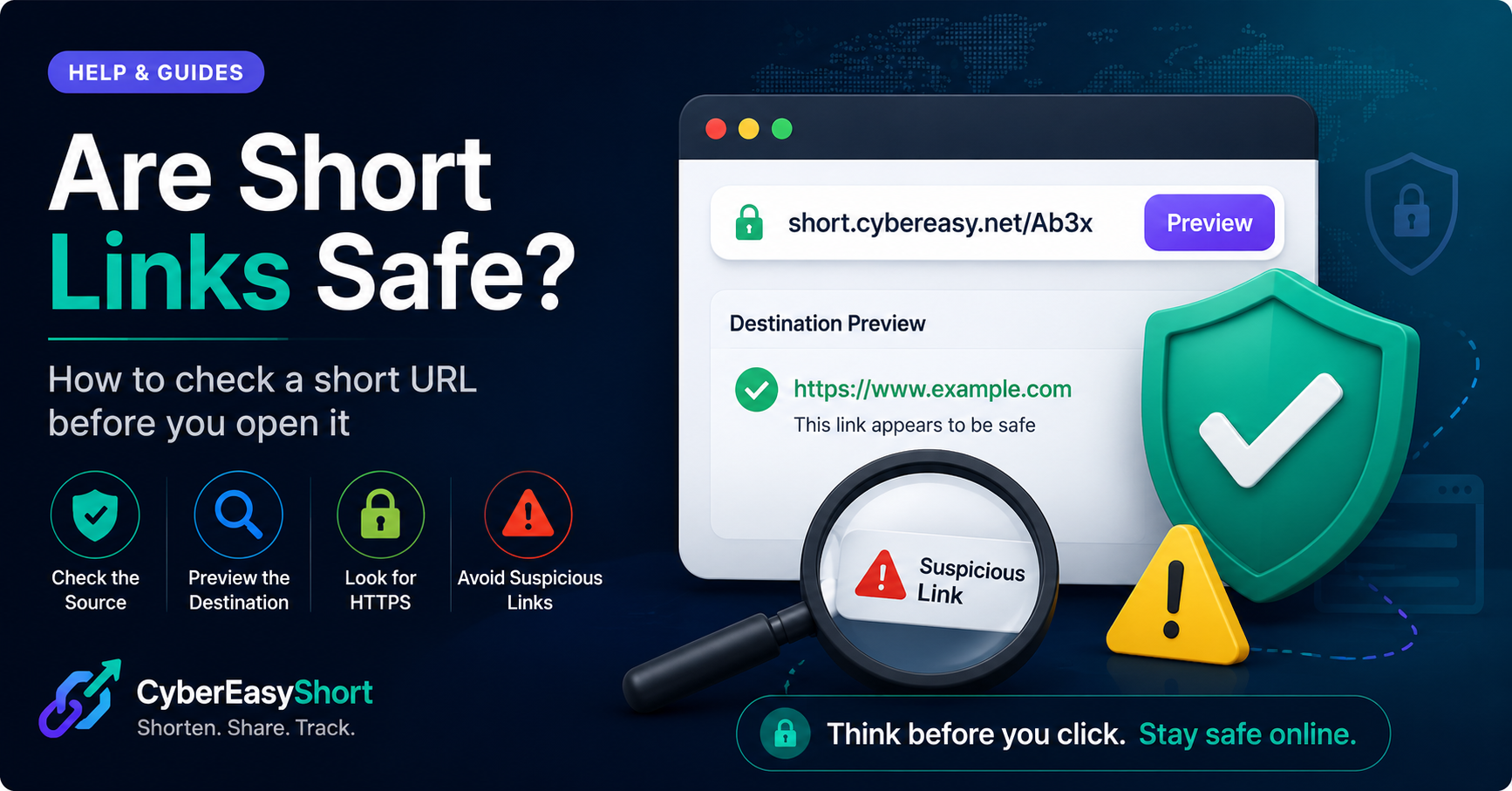
Short links can be safe, but their safety depends on the destination behind them. A URL shortener only creates a compact address that redirects visitors to another webpage.
Trusted people and organizations often use short links for social posts, QR codes, email campaigns, event registrations, and marketing materials. However, scammers can also use shortened URLs to hide phishing pages, malware, fake login forms, or misleading websites.
For this reason, users should check unfamiliar short links before opening them.
Why Can Short Links Be Risky?
A normal web address often shows the website domain clearly. A shortened URL hides most of the final destination until the redirect occurs.
This can make it harder to recognize:
- Fake login pages
- Malware downloads
- Payment scams
- Impersonation websites
- Spam pages
- Misleading redirects
- Harmful or illegal content
The short-link format itself is not dangerous. The risk comes from the webpage it leads to.
Check Who Sent the Link
Before opening a short link, consider where it came from.
A link is generally more trustworthy when it was shared by:
- A person you know
- A verified company account
- An official organization
- A trusted newsletter
- A familiar website
Be careful when a link arrives unexpectedly through email, messaging apps, comments, or social media—especially when it creates urgency.
Examples include:
- “Your account will be closed today.”
- “Confirm your password immediately.”
- “You have won a prize.”
- “Make an urgent payment.”
- “Download this important file.”
Preview the Destination
Some URL-shortening services provide a preview or destination-checking feature. This lets you inspect where a short link leads before opening the final page.
You can also use reputable online URL scanners to check suspicious links.
Even when a scanner reports no immediate threat, continue carefully. New or recently compromised websites may not yet be detected.
Check the Destination Domain
After opening a link, inspect the address bar before entering information.
Look for:
- Correct spelling of the website name
- A familiar and expected domain
- HTTPS protection
- No unusual subdomains
- No extra words designed to imitate a brand
For example, a fake page may use a domain that looks similar to a legitimate company but contains small spelling changes.
Never Enter Sensitive Information Too Quickly
Do not immediately enter:
- Passwords
- Banking information
- Payment-card details
- One-time passwords
- National identification numbers
- Recovery codes
If a link asks for sensitive information, close it and visit the official website manually by typing its address into your browser.
Be Careful With Downloads
Avoid downloading files from unfamiliar short links.
Files may contain:
- Malware
- Unwanted software
- Fake installers
- Malicious documents
- Browser extensions
- Password-stealing programs
Only download software from official, authorized, or developer-provided sources. Scan downloaded files with trusted security software before opening them.
Keep Your Device Protected
Basic security habits can reduce risk:
- Keep your browser updated.
- Install operating-system security updates.
- Use trusted antivirus protection.
- Enable phishing and harmful-site warnings.
- Avoid disabling security tools to open a file.
- Use strong, unique passwords.
- Enable two-factor authentication.
How CyberEasyShort Handles Abuse
CyberEasyShort provides tools for creating short links, QR codes, custom aliases, and basic click tracking.
The service restricts certain unsafe destinations and allows users to report links connected with:
- Phishing
- Malware
- Spam
- Impersonation
- Deceptive redirects
- Harmful or illegal content
Reported links may be reviewed, blocked, or removed according to the Terms of Use.
How to Report a Suspicious Link
When reporting a harmful link, provide:
- The complete CyberEasyShort link
- The suspected abuse type
- A short explanation
- Supporting details or evidence, when available
Do not include passwords, payment-card information, or other highly sensitive personal data in the report.
Use the CyberEasyShort Report Abuse page to submit suspicious links for review.
Final Safety Checklist
Before opening a shortened URL, ask:
- Do I trust the sender?
- Was I expecting this link?
- Does the message create unusual urgency?
- Can I preview the destination?
- Does the final domain look correct?
- Is it asking for sensitive information?
- Is it trying to make me download a file?
When uncertain, do not open it.
Use Short Links Responsibly
Short links are useful for sharing long web addresses, generating QR codes, and tracking clicks. They are not automatically dangerous, but users should treat unfamiliar links carefully.
CyberEasyShort encourages responsible sharing and provides abuse-reporting tools to help keep the service safer.